What our users say about Wavealert
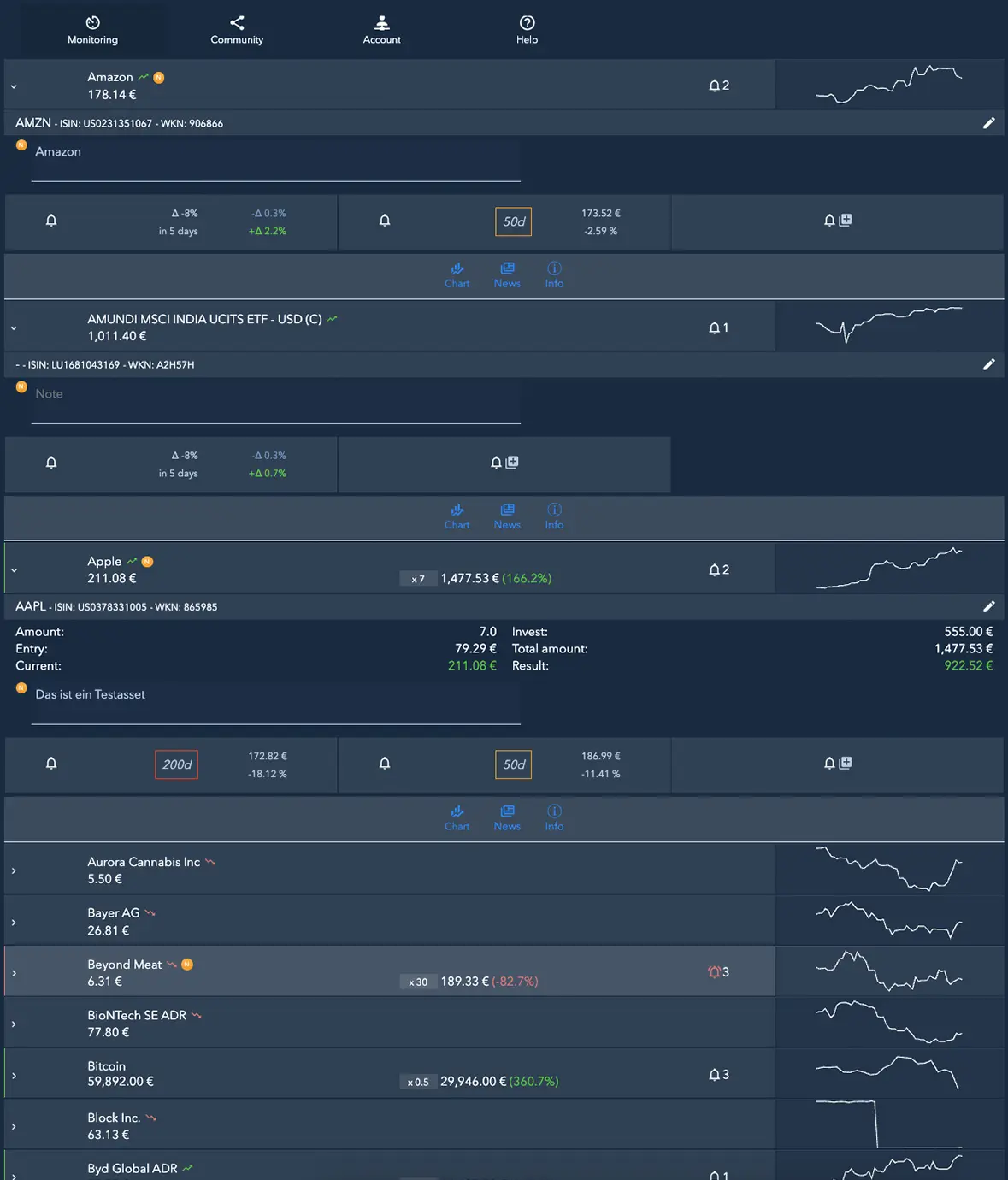
Overview of price movements
Biggest movements in recent days for stocks, ETFs, crypto as well as gold & silver.

Keep an eye on your investment rules – without constantly checking prices.
Stick to your own rules
Define your personal if-then strategy for each asset and set the appropriate alert.
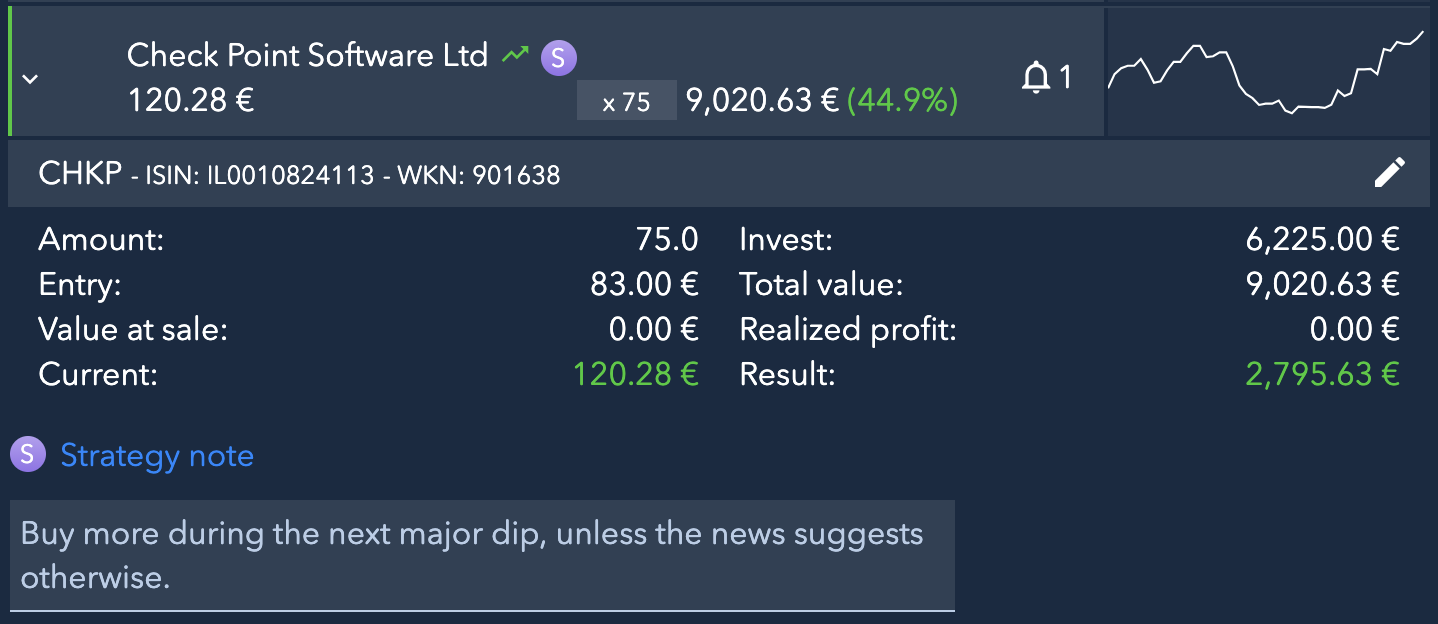
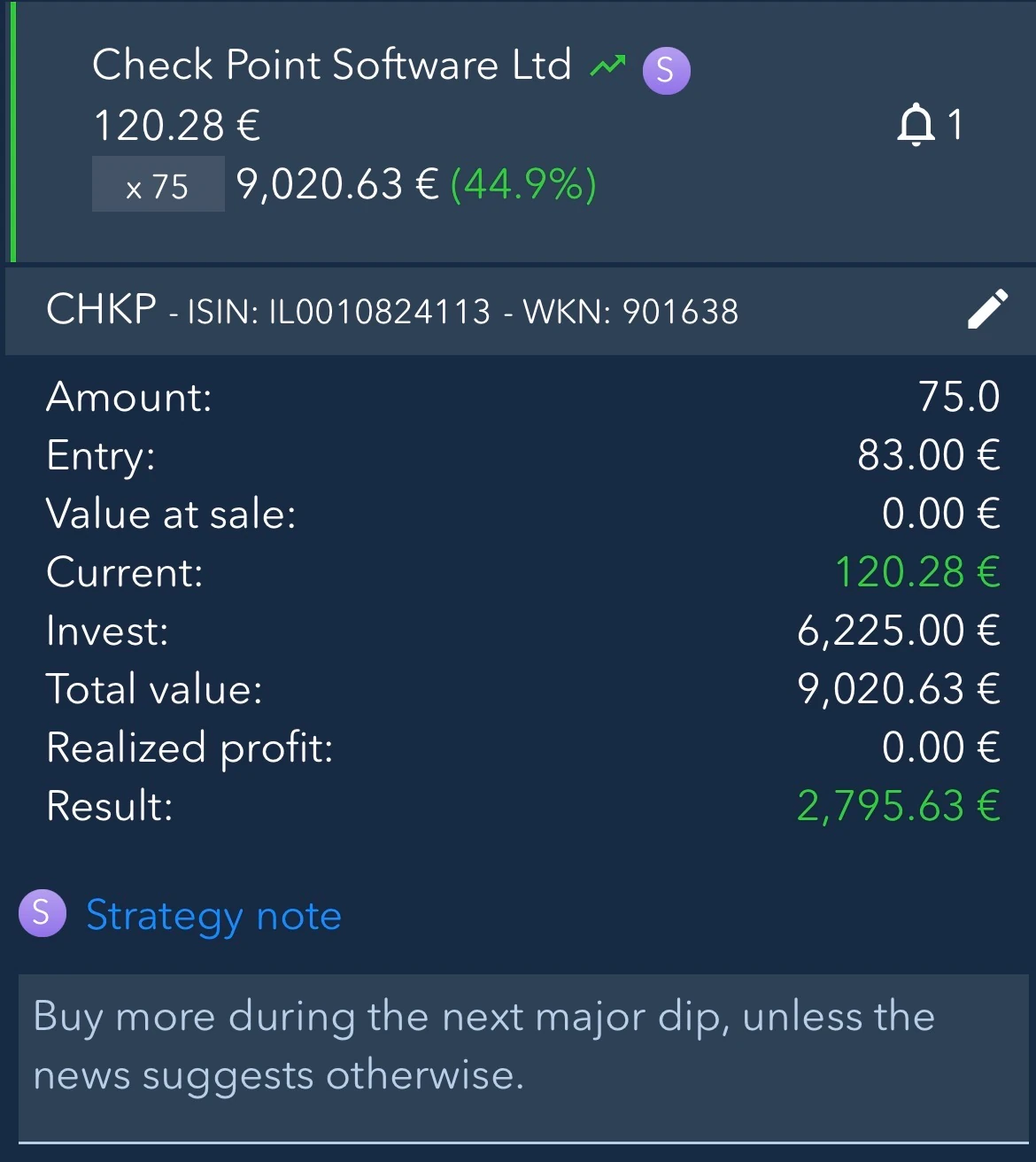
When an alert is triggered, your strategy note will appear directly in the email. This way, you have your plan in front of you and can act with discipline instead of impulsively.
Explore strategy notes.
- Define rule
- Receive alert
- Check decision against your note
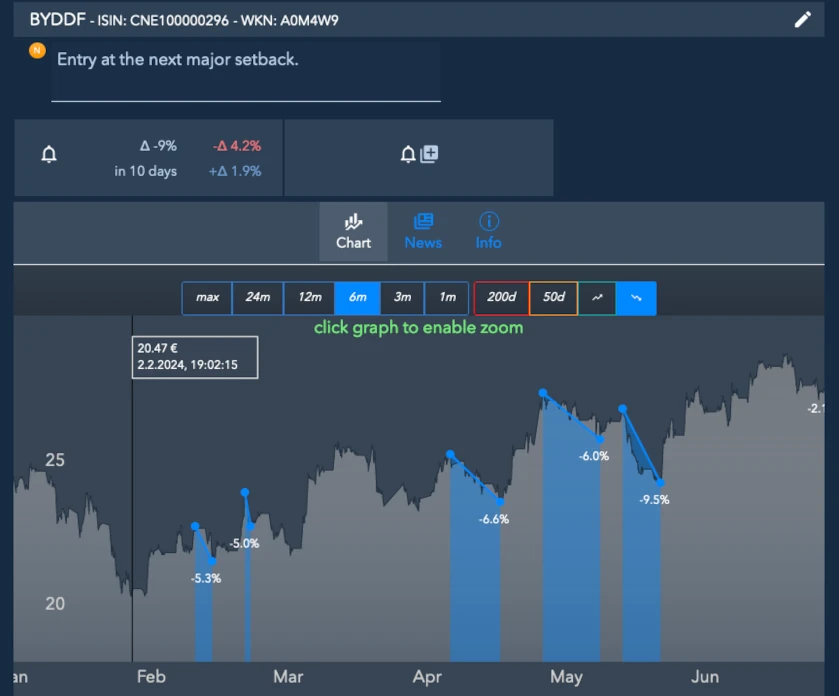
Recognize opportunities by setting price alerts
Choose the target price or drop that matters to you. Wavealert notifies you when your alert is triggered. In the news section of the asset, you can check the latest reports, assess the movement, and decide for yourself whether a purchase fits your strategy.
Explore news and analysis.
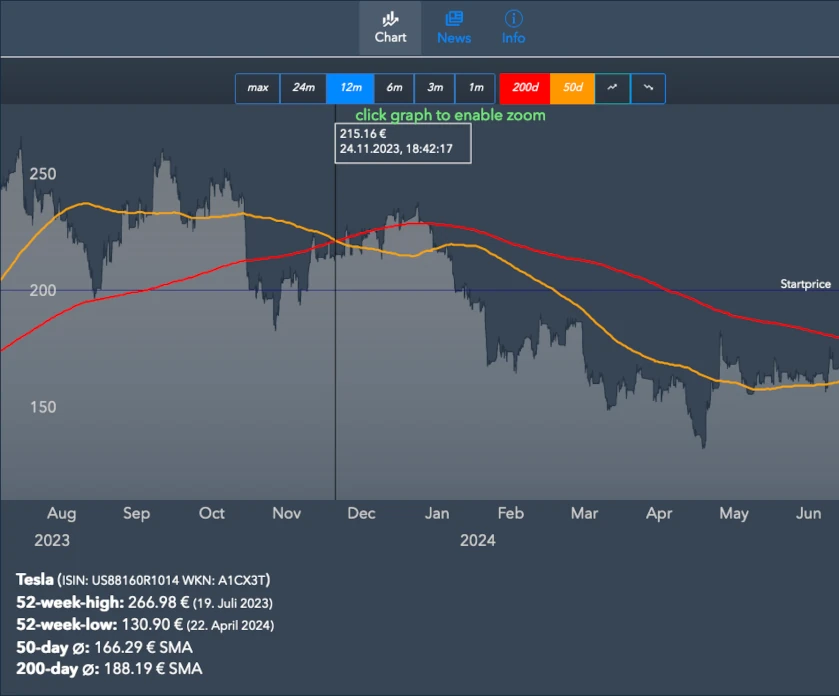
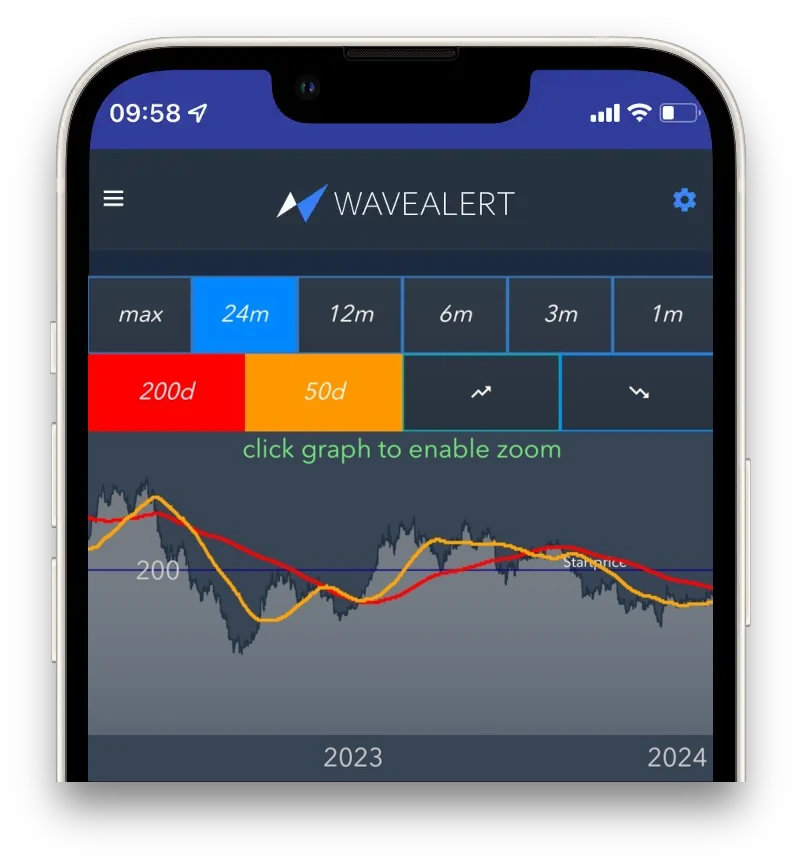
Track the 50 and 200-day moving averages without checking charts daily
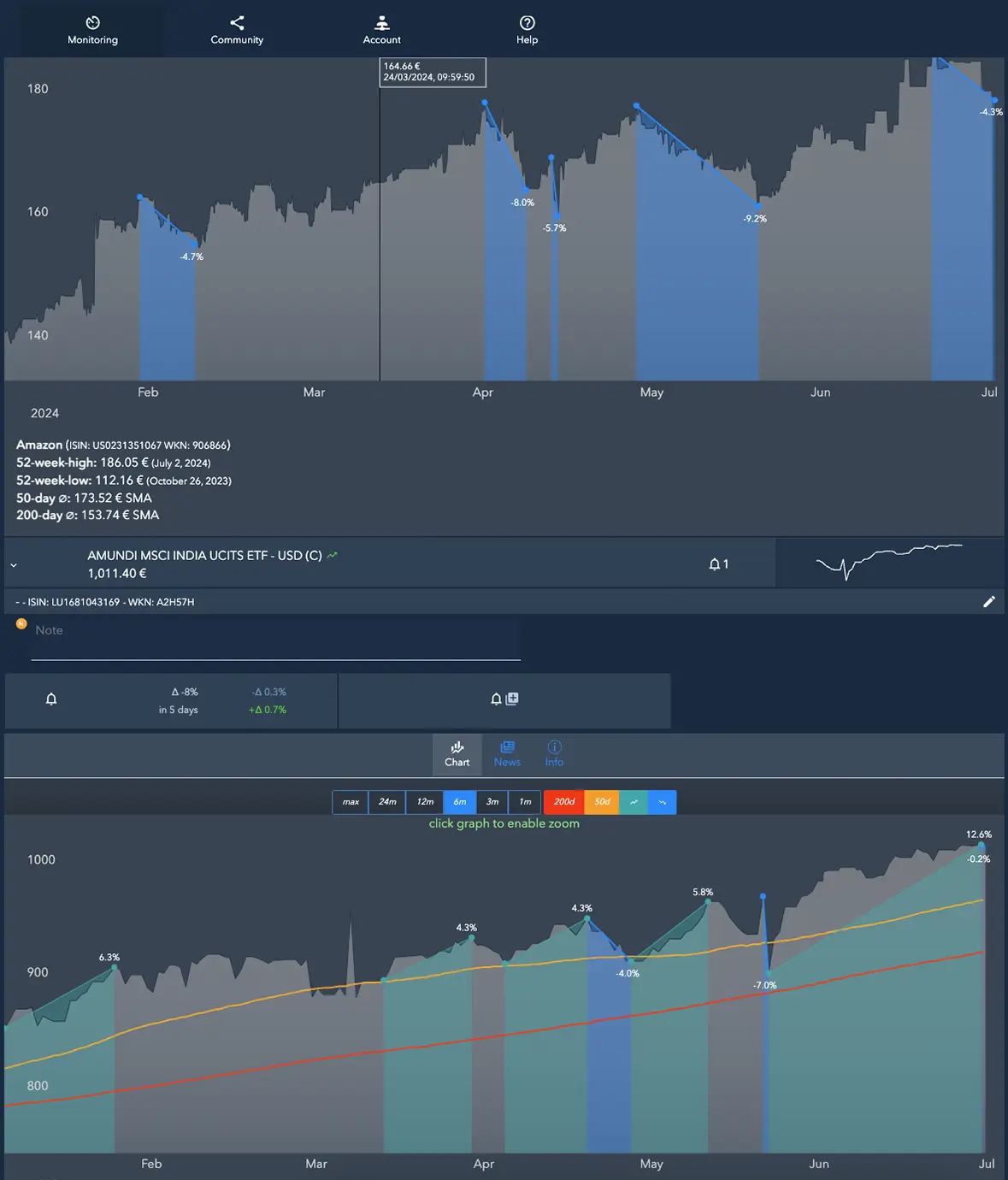
Display both lines in the chart and set which signal counts for your strategy. Wavealert notifies you by email when the price crosses the 50 or 200-day line. You can then check the movement according to your own rules and decide whether to act.
Discover 200 day moving average.
Price data in chart
- Buy price line
- 50 / 200 day line
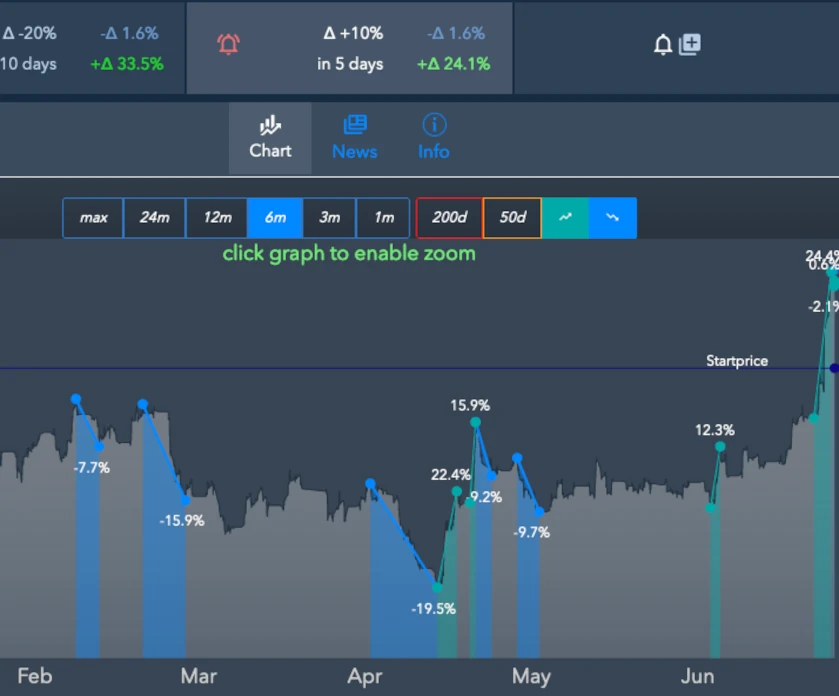
- Dip markers
- Rebound markers
- Macro trend over 5 years
Recognize when your hedging rule applies
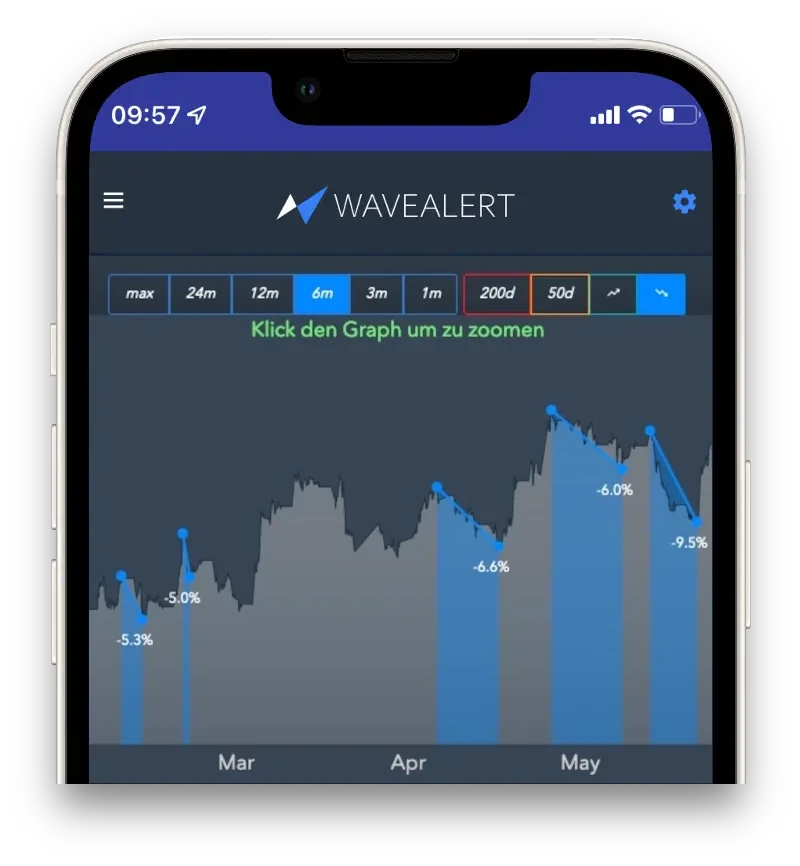
Has a certain price been reached? Is an asset rising or falling significantly within a period you have chosen? Set your own alerts for such events. Wavealert notifies you when one of your conditions is met. You check the signal against your strategy and decide for yourself what to do.
Discover chart alerts.
The right package for your portfolio:
- Free:
permanently free – up to 4 assets and 4 alerts - Basic:
€2 per month – up to 8 assets with unlimited alerts - Unlimited:
€5 per month – unlimited assets and alerts
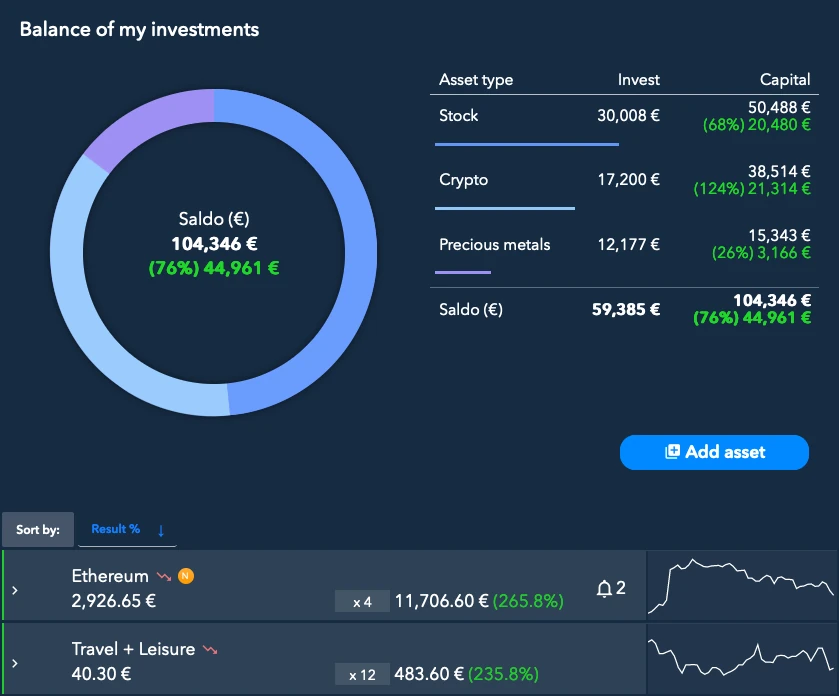
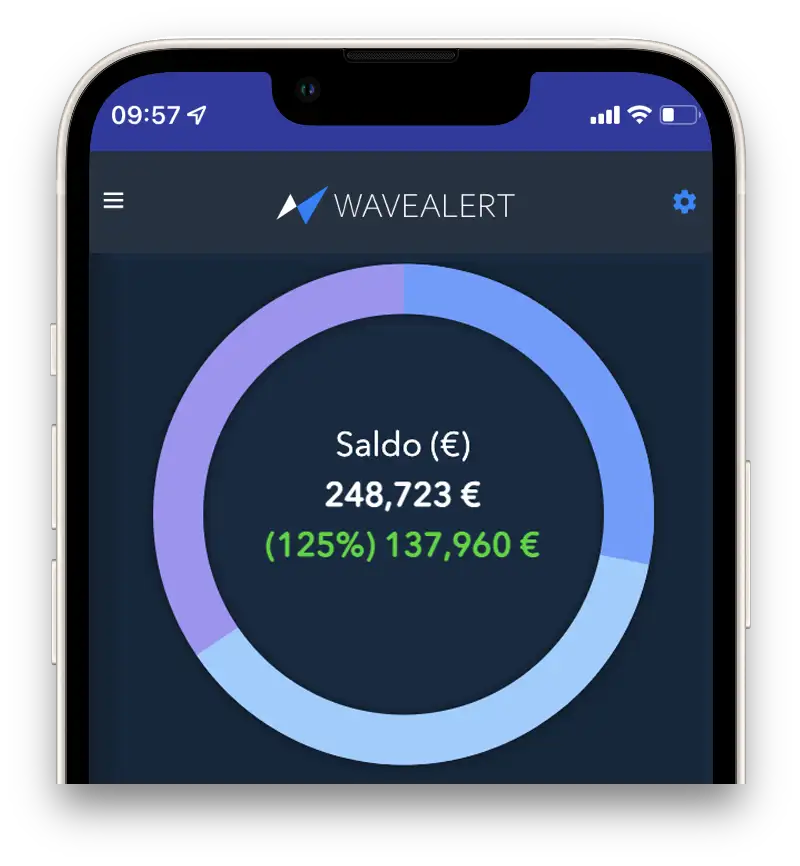
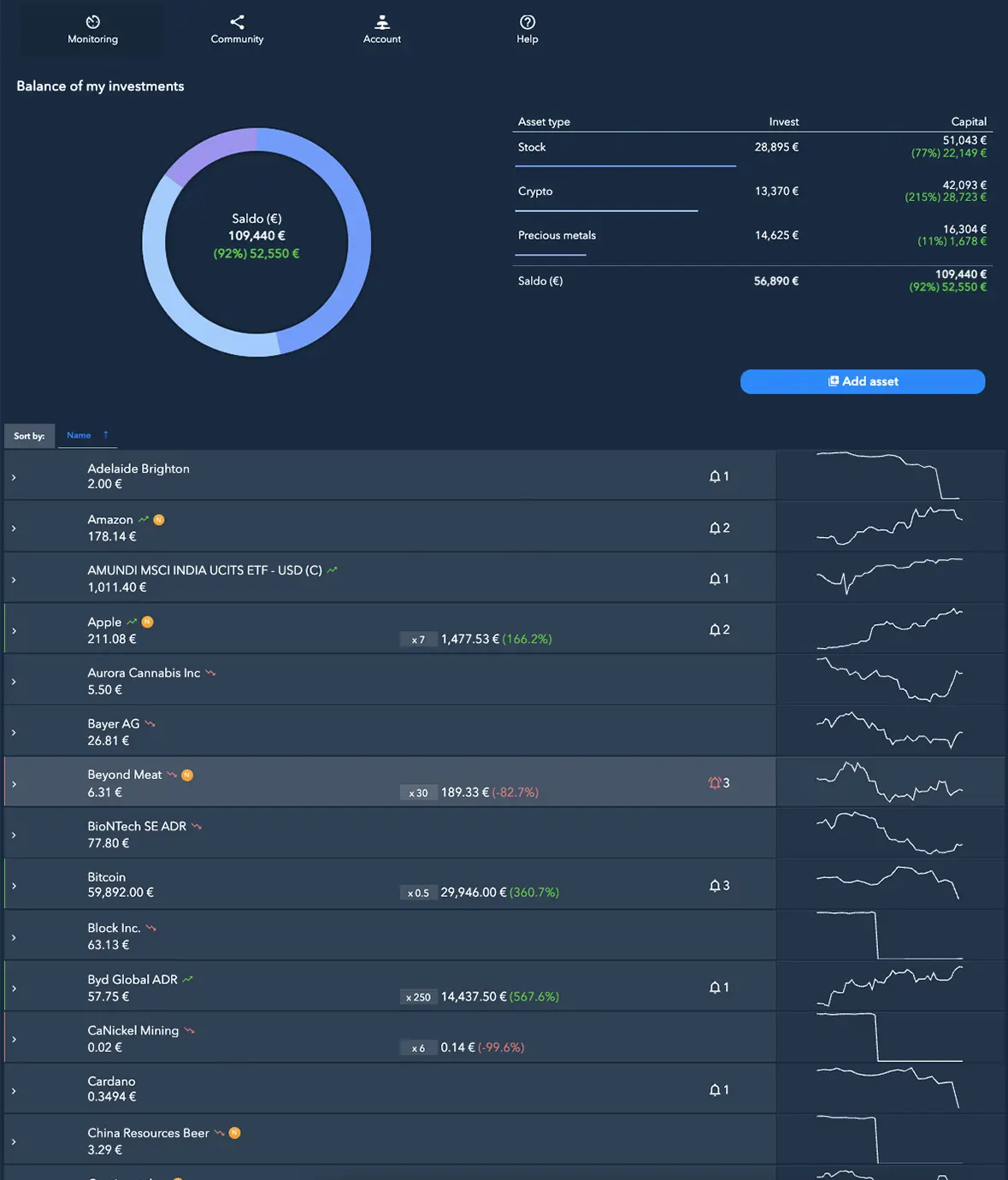
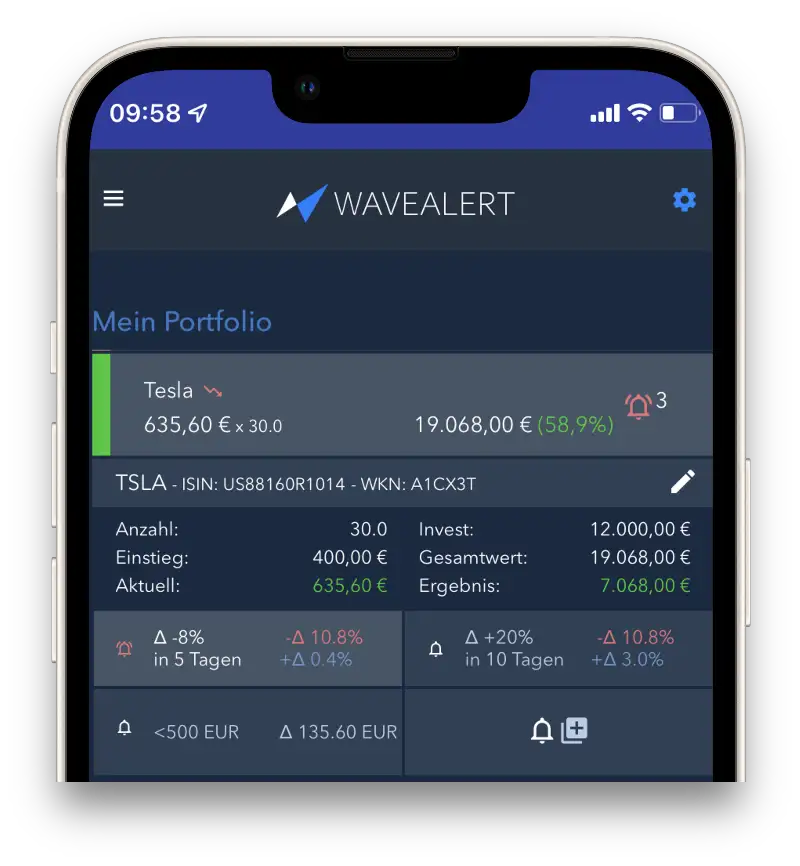
See at a glance how your holdings are doing
Whether stocks, ETFs, cryptocurrencies, or precious metals: Wavealert shows you your overall balance and which positions are in profit or loss. Prices are updated every 10 minutes.
Explore the portfolio tracker.
- 5000+ stocks
- 15,000 ETFs, ETCs & funds
- 2,500+ cryptocurrencies
- precious metals (gold & silver)


From price event to decision according to your plan
Push-Alerts
Notification as soon as one of your self-set conditions is met.
- Price limits
- Percentage change over a chosen period
- Signals at the 50 or 200-day line
Discover the chart alerts.
Asset news
Check the latest asset news.
- Assess price movements with news
- View background information before making a decision
Explore news and analysis.
Strategy Notes
Record your if-then strategy for each asset.
- Your note appears directly in the email when an alert is triggered
- Check your own plan before acting.
Explore notes.
Turn your investment rules into alerts
Create your account for free and first add the stocks, ETFs, precious metals or cryptocurrencies for which you have fixed rules. Set up your first alerts and record your plan as a note. In the portfolio overview, you keep an eye on your positions and their development.
Discover signals from the community
See which price movements and active alerts catch the attention of other investors. You can check interesting signals and, if necessary, adopt them as your own alert. Whether they fit your strategy is up to you.
For further information see community alerts.
A price that fits your portfolio
Start for free with the first positions. As your portfolio grows, choose the appropriate plan:
- Free: permanently free, up to 4 assets and 4 alerts total
- Basic: €2 per month, up to 8 assets with unlimited alerts
- Unlimited: €5 per month, unlimited assets and alerts
Discover the pricing model.
Add positions strategically
Find stocks, ETFs and other assets by ISIN, WKN or name. For positions in your portfolio, enter the quantity and purchase price. This way you can see their development and then add your rules and alerts.
- Search by ISIN, WKN or name
- Enter quantity and purchase price yourself
- CSV import coming soon
Discover the portfolio transfer.

Frequently Asked Questions
Who is Wavealert for?
Is Wavealert investment advice?
Which assets can I monitor with Wavealert?
What information do I see for a position in my portfolio?
Which price alerts can I set?
- Price threshold: The price moves above or below a value you set.
- Price change over a period: An asset rises or falls by a defined percentage within a period you choose.
- 50- or 200-day line: The price crosses one of these lines upward or downward.
You choose the signals that fit your own strategy. More about price alerts.
Can I track my own buy and sell rules with Wavealert?
Do I need to constantly monitor my portfolio?
How current are Wavealert prices?
Can I enter individual buys and sells?
What are strategy notes for?
What does the community feature show me?
What does Wavealert cost?